IT Support Dubai: 7 Things to Check Before Hiring a Company
If you’re searching for IT support Dubai, the stakes are higher than just “keeping computers running.” Choosing the wrong company...



Security has changed a lot over the years. Gone are the days when bulky wired systems and complicated installations were the only option. In 2026, wireless security cameras have become the go-to choice for homeowners and businesses looking for smart, reliable, and flexible protection.
Whether you are protecting a home office, a villa, a warehouse, or a commercial space, wireless home security cameras offer convenience, advanced technology and peace of mind without the mess of cables.
And in fast-growing cities like Dubai, demand for wireless security cameras Dubai continues to rise rapidly
Let’s break down why wireless security cameras are no longer optional but essential in modern security setups
Many people ask how does wireless security cameras work. The concept is actually simple
Security cameras capture video and transmit it using Wi-Fi instead of physical cables. The footage is either stored on the cloud, a local storage device, or both. You can access live feeds and recordings through a mobile app or web dashboard anytime, anywhere
Key components include
This setup allows flexibility, scalability, and easy upgrades without rewiring your entire property.
One of the most common questions is how do security cameras get power
Wireless refers to data transmission, not power delivery. Most wireless cameras are powered in one of three ways.
These use rechargeable or replaceable batteries. They are ideal for homes, apartments and locations where wiring is difficult. Battery life can range from 2 to 6 months, depending on usage.
These cameras connect to a power outlet but transmit data wirelessly. They offer continuous power and are common in indoor or commercial installations
Increasingly popular in 2026, solar wireless cameras are perfect for outdoor use. They charge during daylight and operate around the clock with backup batteries.
Each option allows flexibility depending on the environment and security needs
Security threats are evolving, and so are security solutions. According to a recent industry report, global video surveillance usage is expected to grow by over 15 percent annually through 2026, with wireless systems leading adoption. Homeowners and businesses are choosing flexibility remote access and AI-powered monitoring over traditional setups.
Another key statistic that businesses using modern wireless surveillance systems report is up to 30 percent faster incident response times compared to older wired systems. This is largely due to real-time alerts, mobile access and cloud integration
In short, smarter threats require smarter security
One of the most searched questions today is which is best wired or wireless security cameras
Here’s a simple comparison to help you decide
| Feature | Wireless Security Cameras | Wired Security Cameras |
| Installation | Quick and easy | Complex and time-consuming |
| Flexibility | Highly flexible and portable | Fixed once installed |
| Maintenance | Low | Higher due to cabling |
| Power Outage Handling | Battery backup available | Often stops working |
| Scalability | Easy to add more cameras | Requires rewiring |
| Ideal Use | Homes, offices, modern spaces | Large legacy installations |
In 2026, wireless security cameras clearly win for most homes and modern businesses, especially where flexibility and speed matter
Security does not stop at night. That’s why wireless night vision security cameras are essential for complete protection.
Modern systems use infrared sensors, low-light technology. And AI enhancement to deliver clear night footage. Some advanced cameras even offer color night vision using ambient light.
Benefits include
For villas, warehouses, and parking areas, night vision is no longer a luxury but a necessity.
Many users worry about how to install wireless security cameras, but the process is simpler than you might think.
Basic installation steps
Most systems are designed for quick setup without technical expertise. However, professional installation ensures optimal placement and maximum coverage.
When it comes to how to install wireless security cameras at home, placement plays a critical role in how effective your system will be. Even the most advanced cameras can fail to deliver results if they are installed in the wrong locations or without proper planning.
To get the best performance from your wireless security system, it’s important to focus on strategic positioning, strong connectivity, and proper configuration from day one.
Installing security cameras the right way ensures better coverage, clearer footage, and fewer false alerts. Follow these proven best practices for reliable home security.
| Task | Why It Matters |
| Identify entry points | Covers high-risk access areas |
| Mount cameras 7–9 feet high | Prevents tampering and improves visibility |
| Test Wi-Fi signal strength | Ensures uninterrupted video streaming |
| Avoid direct sunlight | Prevents glare and image distortion |
| Enable two-factor authentication | Protects footage from unauthorized access |
| Test night vision | Confirms clear visibility after dark |
Professional installers like ITWiseTech go beyond basic setup by optimizing camera placement, securing networks, and ensuring your wireless security system performs reliably in real-world conditions.
Homeowners in 2026 are rapidly shifting to wireless home security cameras because they offer flexibility, intelligence, and convenience that traditional systems simply cannot match. As smart homes become more common, wireless cameras fit naturally into modern lifestyles.
One of the biggest advantages is remote monitoring. Wireless home security cameras allow homeowners to view live footage, receive alerts, and check recordings from anywhere using a smartphone or tablet. Whether you are at work, traveling, or asleep, your home stays within reach.
Instant motion alerts provide immediate awareness of unusual activity. Modern systems use intelligent motion detection to reduce false alarms and notify you only when it matters most.
Wireless cameras are easy to relocate. If you move homes or want to change coverage areas, cameras can be repositioned without drilling new holes or running cables through walls.
In 2026, smart homes and smart security go hand in hand. Security cameras are no longer just a convenience; they are a core part of intelligent home protection.
Even advanced security cameras can underperform if they are installed or managed incorrectly. Avoiding these common mistakes helps ensure long-term reliability and consistent performance.
Working with experienced providers like ITWiseTech helps eliminate these issues from the start. Professional installation and configuration ensure your security cameras deliver reliable protection for years to come.
TWiseTech brings hands-on experience in deploying wireless security cameras Dubai homeowners rely on for real-world protection. With deep knowledge of local security requirements, climate conditions, and modern smart home systems, ITWiseTech designs camera setups that perform reliably in high temperatures and high-demand environments.
From professional installation to network optimization and ongoing support, ITWiseTech ensures wireless home security cameras are not just installed, but properly configured, secured, and maintained for long-term performance and peace of mind.
Wireless security cameras capture video and transmit footage over Wi-Fi to the cloud or local storage, allowing real-time viewing, alerts, and playback through a mobile app or web dashboard.
Most wireless security cameras use rechargeable batteries, plug-in power adapters, or solar panels, while data transmission remains wireless for flexible installation.
For modern homes, wireless security cameras are usually the better choice due to easy installation, remote access, scalability, and minimal disruption compared to wired systems.
To install wireless security cameras at home, mount them at key entry points, ensure strong Wi-Fi coverage, connect through the app, and adjust angles for optimal coverage.
Yes, wireless security cameras Dubai homeowners use are designed to handle heat, offer night vision, and integrate with smart home systems for reliable protection.

If you’re searching for IT support Dubai, the stakes are higher than just “keeping computers running.” Choosing the wrong company...

Looking for cybersecurity companies in Dubai can feel a bit like shopping for insurance. Everyone says they protect you. Everyone...
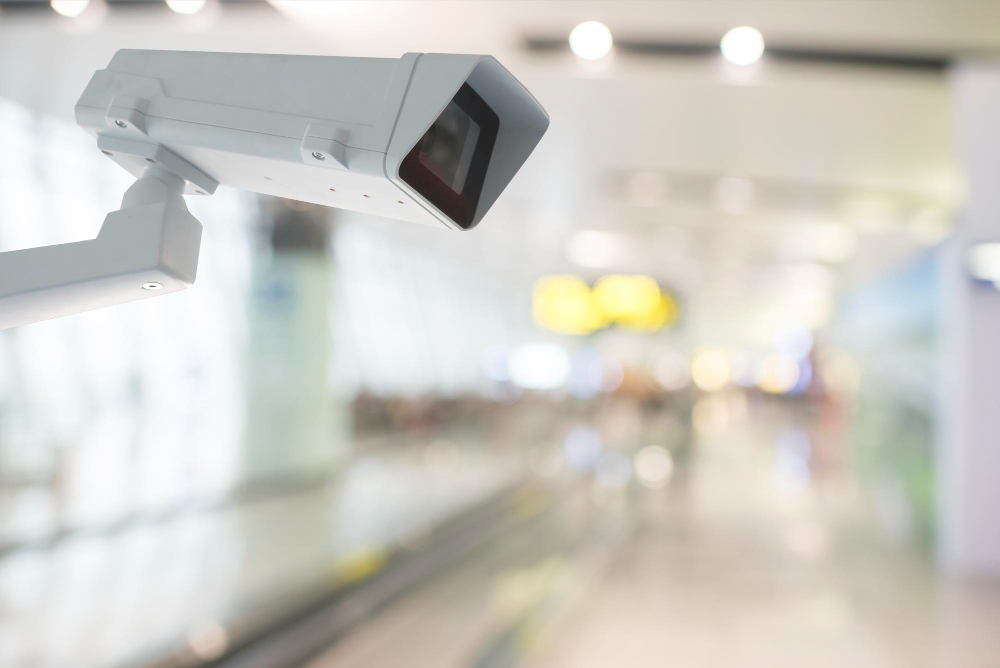
Planning CCTV for a business sounds simple until you start asking the real questions. How many cameras are enough? Which...

Slow internet, dropped calls, frozen CCTV feeds, weak Wi-Fi, and random downtime are not always caused by your internet provider....
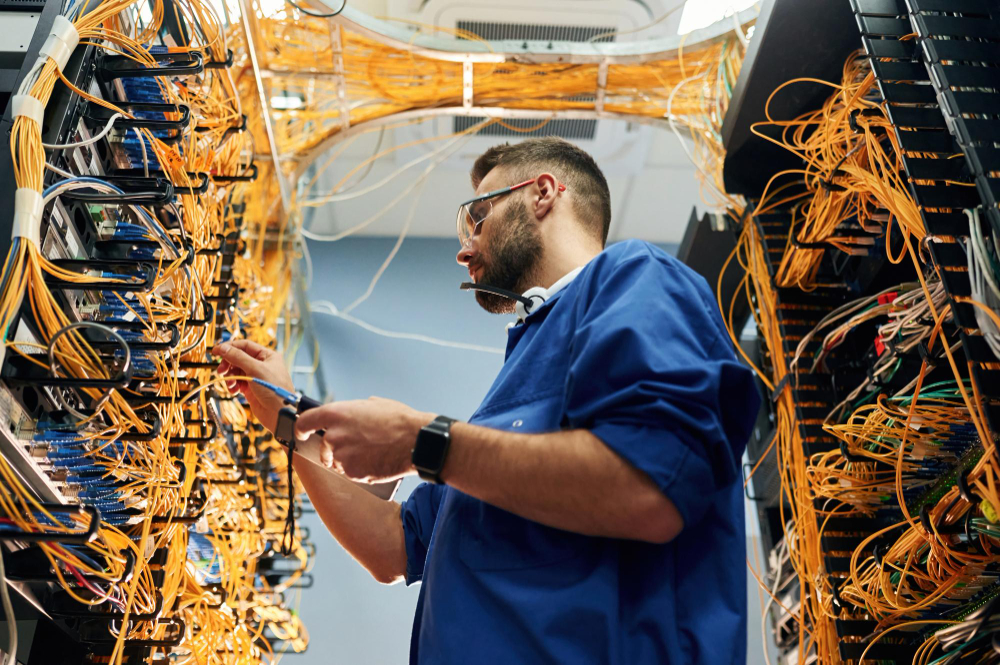
Most businesses do not think about structured cabling until network problems start slowing everything down. Video calls freeze. Internet speeds...

A few years ago, most phishing emails were easy to spot. They usually came from strange email addresses, contained spelling...