IT Support Dubai: 7 Things to Check Before Hiring a Company
If you’re searching for IT support Dubai, the stakes are higher than just “keeping computers running.” Choosing the wrong company...



Mobile Device Management (MDM) is a crucial tool for businesses looking to secure and manage their mobile devices. With 46% of businesses relying on mobile devices for daily operations, MDM solutions have become indispensable for protecting sensitive data and ensuring compliance.
A recent survey found that 79% of organizations experienced a mobile security breach in the past year, emphasizing the need for strong MDM systems. MDM solutions help businesses enforce security policies, track devices, and remotely wipe data if necessary.
Additionally, 76% of companies report that MDM improves productivity by allowing employees to work securely from any location. As mobile device usage continues to grow, investing in a reliable MDM system is essential for protecting business operations and data integrity.
Mobile devices allow employees to work from anywhere, but they also present potential security risks. Unmanaged devices can be lost, stolen, or hacked, leading to data breaches and costly security incidents. Without proper management, companies risk compromising sensitive data and losing control over their networks.
According to Gartner, 70% of organizations use mobile devices for business purposes, and 79% of businesses have experienced a mobile security breach in the past year. This makes it essential for companies to have a robust MDM strategy in place to mitigate risks and ensure data security.
MDM helps businesses to:
With mobile device management solutions, organizations can protect their data, maintain control over their devices, and foster a secure work environment.
Implementing a Mobile Device Management system comes with a range of benefits that enhance security, efficiency, and flexibility in the workplace. Here are some key advantages:
With MDM, you can set up device-level security policies such as encryption, password requirements, and remote wiping in case of theft or loss. This reduces the chances of data breaches and ensures sensitive information remains protected.
MDM allows employees to use their devices for business purposes while ensuring company data is safe. Employees can access corporate resources, work from remote locations, and collaborate seamlessly, all while keeping devices secure.
MDM gives IT departments centralized control over all devices in the organization, allowing them to manage configurations, track device usage, and update software remotely.
Many industries have strict regulations regarding data protection and device security. MDM ensures your business complies with these regulations by enforcing encryption, authentication, and secure communication protocols.
Mobile Device Management solutions are designed to remotely configure and control mobile devices, ensuring they are secure and compliant with company policies. Here's a breakdown of how MDM works:
Devices are enrolled into the MDM system by either automatic or manual methods. Employees typically register their devices using a unique company code, and their devices are automatically configured to meet the company’s security standards.
Once enrolled, MDM solutions push configurations to devices, including network settings, security policies, email settings, and app installations. Administrators can configure settings such as Wi-Fi access, VPN configurations, and app management.
MDM platforms continuously monitor device activity. They track things like device health, location, and usage patterns. If there are any security violations or device malfunctions, the system alerts administrators for prompt action.
With MDM, administrators can perform remote tasks, such as locking a device, resetting passwords, or wiping data from a device. This is particularly useful if a device is lost, stolen, or if an employee leaves the company.
A Mobile Device Management system refers to the centralized platform through which an organization manages all of its mobile devices. MDM systems offer various features such as device tracking, data security, and application management.
Some of the best-known mobile device management systems include:
Each system has its unique features, but all offer comprehensive solutions for securing and managing mobile devices within a company. Depending on the size of your business and your specific needs, you may want to explore which MDM system fits your organization’s requirements best.
When evaluating mobile device management solutions, it’s essential to focus on key features that align with your business needs. Here are some crucial aspects to consider:
A good MDM solution should allow for app management, including the ability to push business apps, prevent unauthorized apps, and ensure the latest security updates are applied.
The ability to track the real-time location of mobile devices can be a key feature, especially for businesses with a mobile workforce.
Look for solutions that help you meet regulatory requirements, such as HIPAA for healthcare or GDPR for businesses in the EU
If you’re a smaller company, you may find free mobile device management options that offer basic features such as remote locking and app management.
For larger businesses with more complex needs, a comprehensive MDM system like VMware Workspace ONE or Microsoft Intune may be a better choice. These systems offer robust security features, compliance tracking, and cross-platform support.
While free solutions might be a good starting point, they often lack advanced features such as remote wipe, advanced security policies, and reporting. Paid MDM solutions offer more robust features, such as:
| Feature | Free MDM | Paid MDM |
| Remote Device Wipe | Limited | Full |
| Security Policies | Basic | Advanced |
| Compliance Management | Not Available | Yes |
| App Management | Limited | Full Support |
For businesses handling sensitive information or with more advanced needs, investing in a paid mobile device management system is essential for greater control, security, and compliance.
From securing company data to ensuring compliance and boosting productivity, MDM solutions provide comprehensive control over mobile devices.
By understanding how MDM works and implementing the right system, businesses can protect their data, improve efficiency, and support remote work environments.
At ItWiseTech, we specialize in providing the best MDM solutions tailored to your business needs. Start researching and integrating the right mobile device management strategies today with ItWiseTech to safeguard your business’s future!
MDM is a system that allows businesses to manage, secure, and monitor mobile devices like smartphones and tablets remotely.
MDM helps businesses protect data, enforce security policies, and maintain control over mobile devices, reducing the risk of data breaches.
Yes, there are free MDM solutions available, but they typically offer basic features. Paid MDM systems provide more advanced security and management options.
MDM allows businesses to manage and secure devices remotely, ensuring employees can securely access company resources, no matter their location.
Consider your business size, security needs, and budget when choosing an MDM system. Free options may suffice for small businesses, while larger enterprises may require paid solutions.

If you’re searching for IT support Dubai, the stakes are higher than just “keeping computers running.” Choosing the wrong company...

Looking for cybersecurity companies in Dubai can feel a bit like shopping for insurance. Everyone says they protect you. Everyone...

Planning CCTV for a business sounds simple until you start asking the real questions. How many cameras are enough? Which...

Slow internet, dropped calls, frozen CCTV feeds, weak Wi-Fi, and random downtime are not always caused by your internet provider....
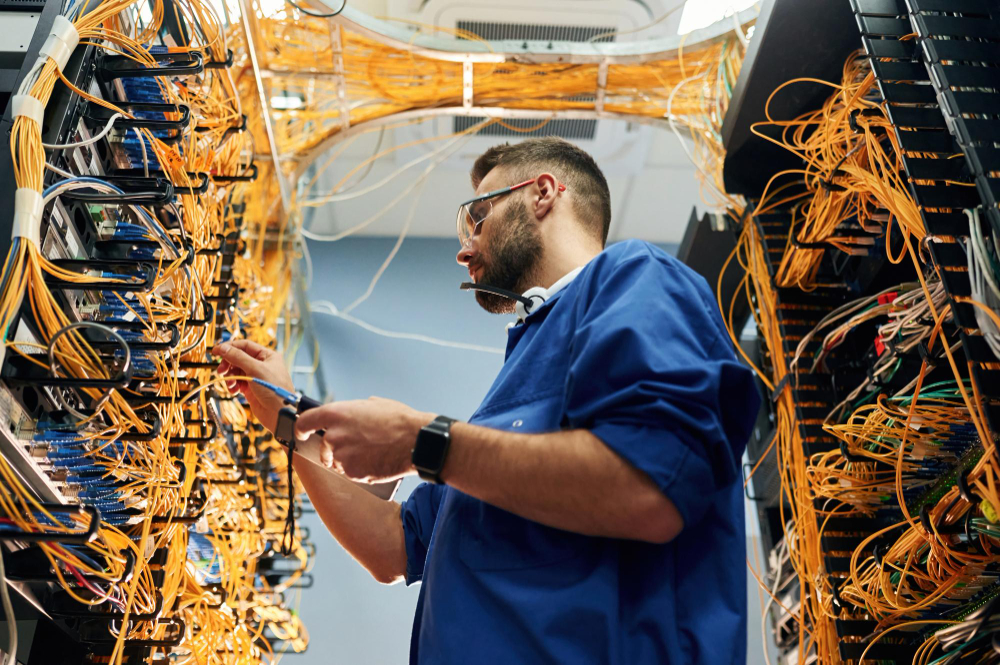
Most businesses do not think about structured cabling until network problems start slowing everything down. Video calls freeze. Internet speeds...
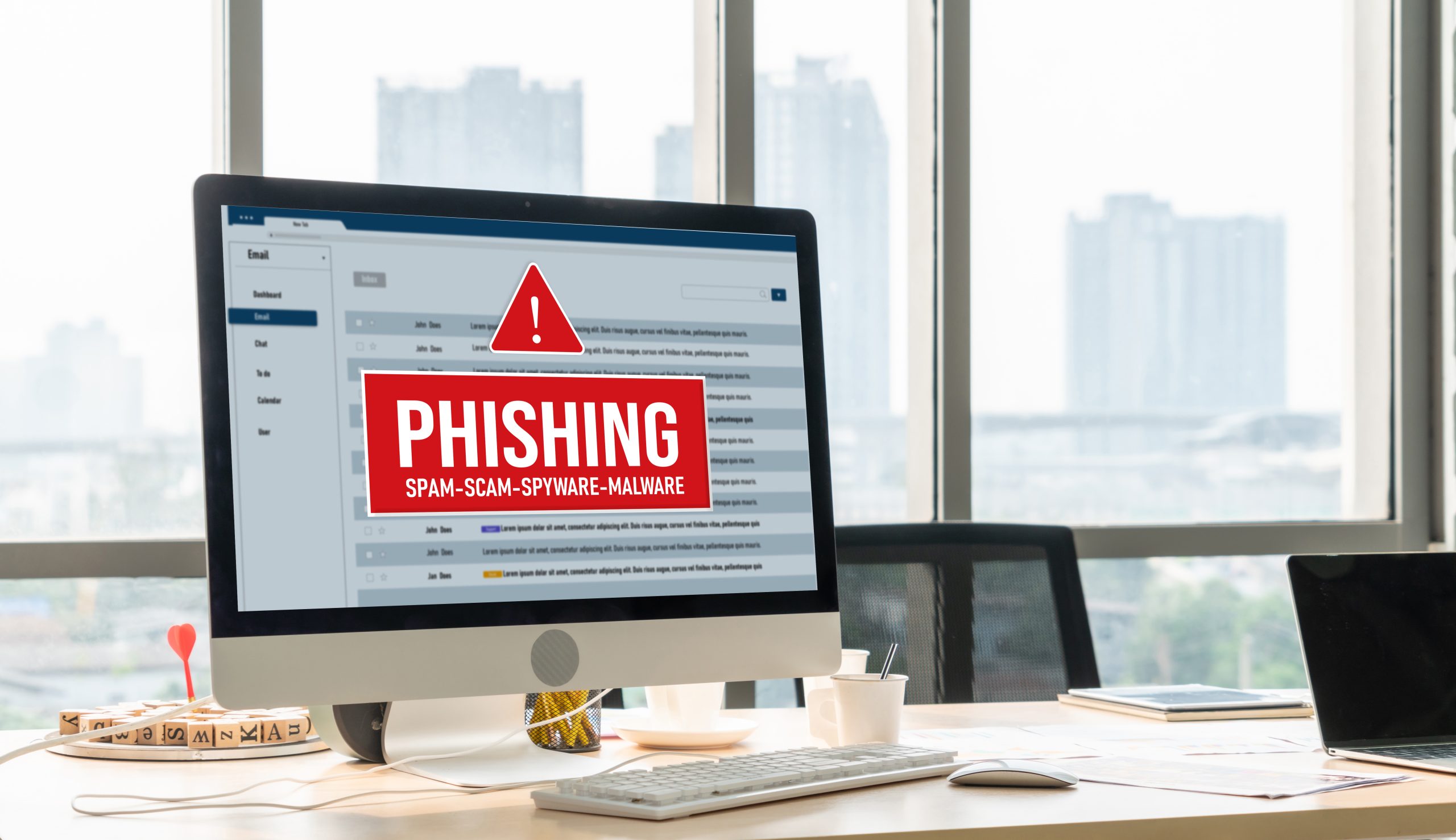
A few years ago, most phishing emails were easy to spot. They usually came from strange email addresses, contained spelling...